3D Builder vs 3D Creator: Which is Right for You?
When it comes to designing and creating 3D models, two popular terms often arise: 3D Builder and 3D Creator. While both enable users to generate 3D content, they cater to different skill levels and project requirements. This article delves into the differences between these two platforms, helping you determine which is better suited for your needs.
Before diving into the specifics, it's essential to understand that 3D Builder tools prioritize ease of use and accessibility, often incorporating predefined shapes and simple sculpting tools. Conversely, 3D Creator software typically offers more advanced features, catering to professionals with extensive design experience. Let's explore these two categories in detail.
3D Builder Software: Accessible and Beginner-Friendly
3D Builder tools are designed with user-friendliness in mind, making them ideal for beginners and those with limited 3D design experience.


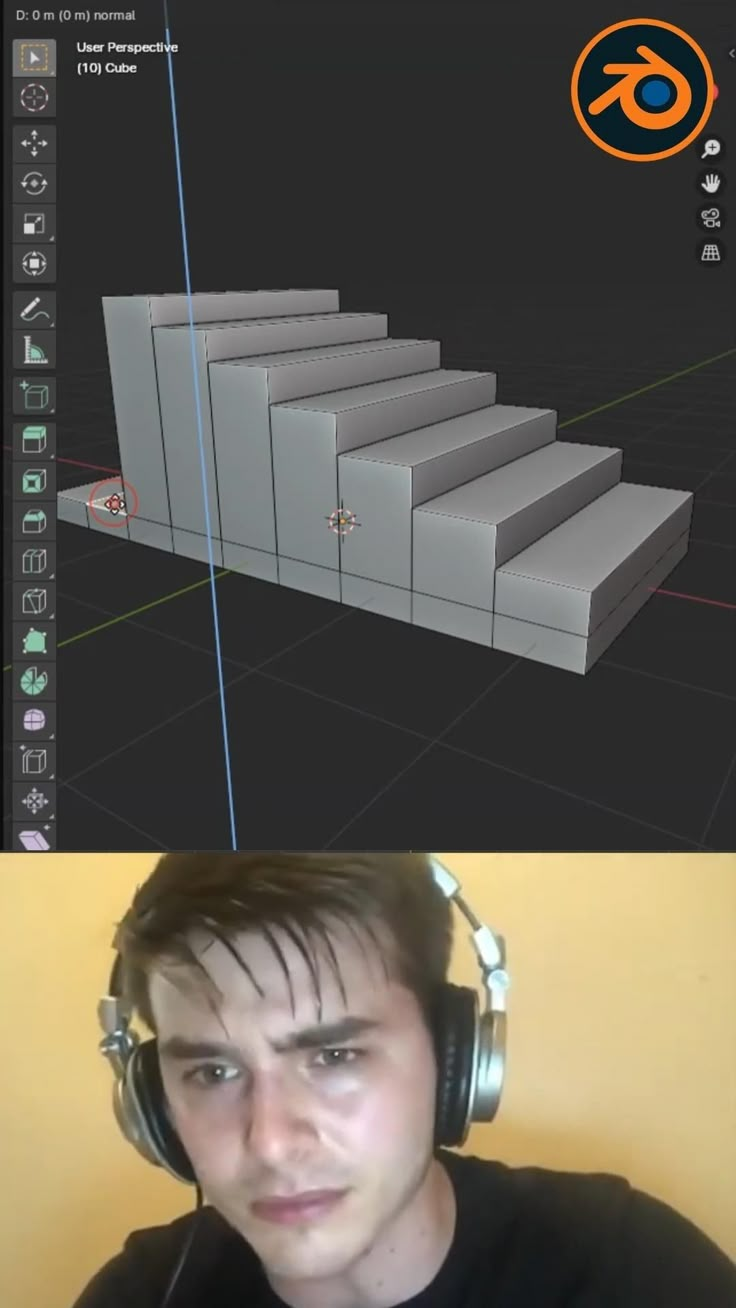
These platforms often boast user-friendly interfaces, comprehensive tutorials, and intuitive navigation to help users learn and create 3D models quickly. Some popular 3D Builder tools include TinkerCAD, Blender (Basic mode), and AutoCAD 360.
Key Features of 3D Builder Software
1. Intuitive Interfaces: 3D builder tools feature clean, easy-to-navigate interfaces, allowing users to focus on creating rather than getting lost in menus and settings.


2. Predefined Shapes and Elements: These tools often provide extensive libraries of predefined shapes, objects, and textures that users can leverage to build their models quickly.
Pros and Cons of Using 3D Builder Software
Pros: Quick learning curve, simple to use, extensive tutorial support, and budget-friendly.
Cons: Limited customization options, may not be suitable for complex or professional projects, and can result in less unique designs due to widespread use of predefined elements.


3D Creator Software: Advanced and Professional
3D Creator tools are designed with professional designers and experienced users in mind, offering extensive customization, advanced features, and robust 3D modeling capabilities.
These platforms cater to both advanced users looking to fine-tune their designs and professionals seeking high-quality, industry-standard tools. Popular 3D Creator software includes Autodesk Maya, 3ds Max, and Blender (Advanced mode).
Key Features of 3D Creator Software
1. Advanced Modeling Tools: These tools offer a range of advanced techniques, such as Boolean operations, sculpting, and simulations, to create complex and realistic 3D models.


2. Pipeline Integration: Many 3D Creator tools integrate seamlessly with other design and rendering software, streamlining the workflow and improving collaboration.
Pros and Cons of Using 3D Creator Software
Pros: High-quality output, advanced customization, industry-standard tools, and extensive feature sets.
Cons: Steeper learning curve, expensive, and may be overwhelming for beginners or casual users.
In the vast realm of 3D modeling, both 3D Builder and 3D Creator tools play vital roles, catering to diverse user needs and skill levels. By understanding the strengths and weaknesses of each, you can choose the right tool for your project, ensuring a successful and enjoyable 3D design experience.
Related Articles

Premium vs Permanent Vinyl: Which is Right for Your Home?
When it comes to selecting the right vinyl material for your flooring project, you might find yourself choosing between premium and permanent vinyl. Both types...

Bedroom Suite vs Bedroom: Which is Right for You?
When it comes to planning your dream home or refreshing your existing space, one of the key decisions you'll make is choosing between a tucked-away bedroom and...

Span vs Smart Electrical Panels: Which is Right for Your Home?
When it comes to managing and monitoring the electrical systems in a home or office, there's a clear divide between traditional and advanced solutions. Two...

Solar Lease vs Loan: Which Green Energy Solution is Right for You?
Solar leases and solar loans are two primary ways to finance solar panel systems, each with its unique benefits and drawbacks. If you're considering going...

Smart Board vs Touch Screen: Which is Right for Your Classroom?
In the dynamic world of educational and collaborative technology, two leading contenders have emerged to transform the way we interact with digital content...

Planner vs Diary: Which is Right for You?
When it comes to staying organized, there are two classic tools that consistently rise to the top: the planner and the diary. Both are essential for...