3D Builder vs. Alternatives: Which is Right for Your Project?
When it comes to 3D modeling software, two popular choices often come to mind: SketchUp and Blender. Both have their unique features and strengths, but which one is the right choice for you? In this comprehensive guide, we'll break down SketchUp vs Blender to help you make an informed decision.
Before we dive into the comparison, let's briefly understand what each software is known for. SketchUp is renowned for its user-friendly interface and ease of use, making it an ideal choice for beginners. Blender, on the other hand, is a more robust and powerful tool, favored by professionals for its extensive features and capabilities.
SketchUp
SketchUp is a dynamic 3D modeling software that has gained massive popularity due to its intuitive interface and accessibility. It's often the go-to choice for architects, designers, and even hobbyists due to its simplicity and versatility.


One of SketchUp's standout features is its 3D Warehouse, which houses a vast collection of free and paid models that users can import into their projects. This can save time and provide a starting point for complex designs.
User Interface and Ease of Use
SketchUp's interface is clean and intuitive, with tools that are easily accessible and straightforward to use. The software implements a unique push-pull method for creating models, which is both innovative and user-friendly.


SketchUp offers a learning curve that is significantly more gentle than Blender's. It's an excellent choice for beginners who want to explore 3D modeling without an extensive learning process.
Features and Limitations
While SketchUp has a vast array of tools for 2D and 3D modeling, its limitations become evident when it comes to complex animations and renderings. Advanced features like particle systems and fluid simulations are absent in SketchUp's basic version.
Moreover, SketchUp's user interface can become cluttered and overwhelming for larger projects due to its simplicity, making organization difficult. However, this can be mitigated with the use of extensions and plugins.


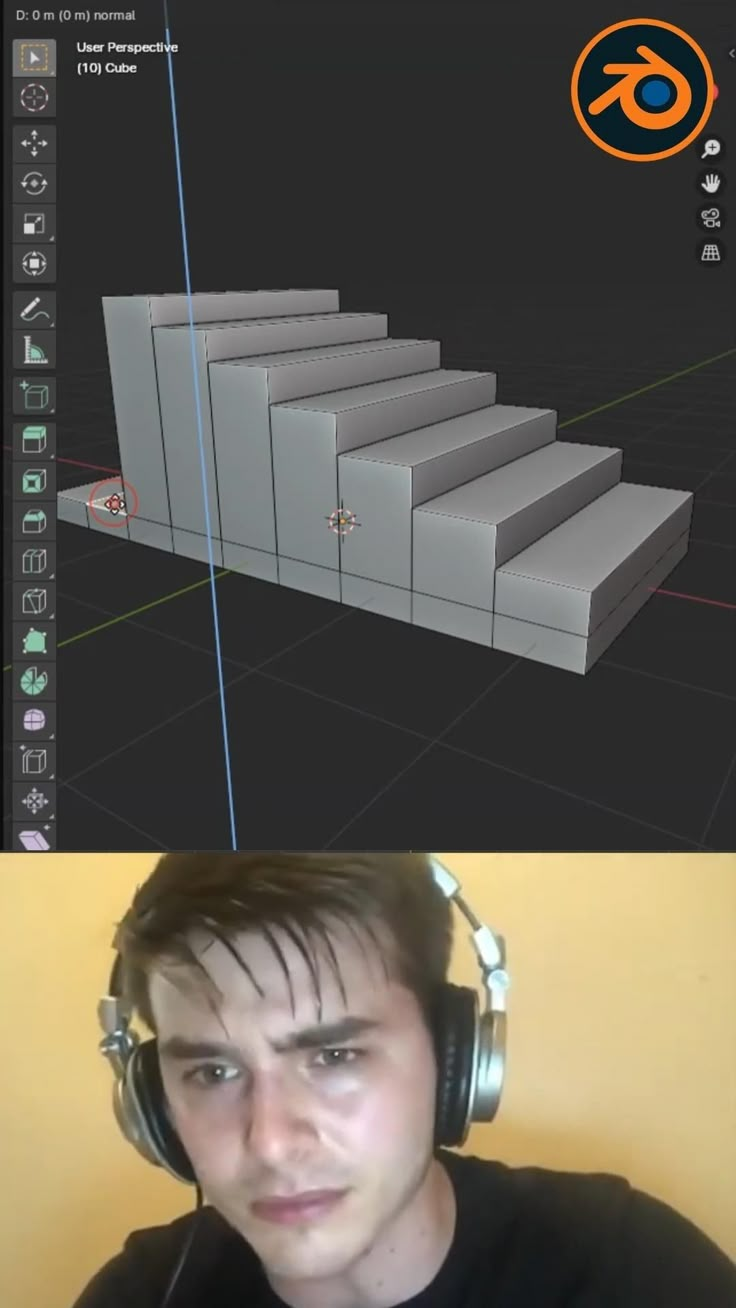
Blender
Blender, in contrast, is a more versatile and feature-rich software. It's a go-to choice for professionals in the fields of film, game development, and industrial design due to its robust capabilities.
One of Blender's most significant advantages is its extensive feature set. It encompasses modeling, animation, simulation, rendering, compositing, motion tracking, and video editing, all within a single comprehensive package.
Advanced Features
Blender's advanced features allow it to handle complex projects with ease. It offers a full-featured compositor and a node-based system for shading and texturing, allowing for high-quality outputs and a flexible workflow.


Moreover, Blender's animation tools are among the most advanced in the industry. Features like Grease Pencil, Motion Paths, and advanced rigging capabilities make it a preferred choice for animators.
Learning Curve
Despite its power and flexibility, Blender's steeper learning curve can be a barrier for beginners. The interface is more complex and less intuitive than SketchUp's, which can make it overwhelming for new users.
However, Blender's community is extensive and engaged, with a wealth of online resources available for learning and troubleshooting. With dedication and persistence, aspiring 3D artists can overcome Blender's learning curve and reap the benefits of its advanced features.
In choosing between SketchUp and Blender, it ultimately comes down to your specific needs and the complexity of your projects. SketchUp is an excellent starting point for beginners or casual users, while Blender is geared towards professionals handling complex projects. Regardless of your choice, both software packages offer powerful tools for 3D modeling and design. Happy designing!
Related Articles

3D Builder vs: Comparison & Key Differences
The choice between SketchUp's 3D Builder and Sweet Home 3D often leaves users pondering which software best suits their 3D modeling needs. Both are powerful...

Premium vs Permanent Vinyl: Which is Right for Your Home?
When it comes to selecting the right vinyl material for your flooring project, you might find yourself choosing between premium and permanent vinyl. Both types...

Span vs Smart Electrical Panels: Which is Right for Your Home?
When it comes to managing and monitoring the electrical systems in a home or office, there's a clear divide between traditional and advanced solutions. Two...

Smart Board vs Touch Screen: Which is Right for Your Classroom?
In the dynamic world of educational and collaborative technology, two leading contenders have emerged to transform the way we interact with digital content...

Brilliant vs Control4: Which is Right for Your Smart Home?
When it comes to high-end home automation, two names often rise to the top of the list: Brilliant and Control4. Both companies offer sophisticated solutions...
Touch Screen TV vs Smart Board: Which is Right for Your Classroom?
In the digital classroom and modern workplace, both touch screen TVs and smart boards have emerged as leading tools for interactive learning and collaboration...