3D Builder vs Blender: A Comprehensive Comparison
When it comes to 3D modeling software, two names often rise to the top: 3D Builder and Blender. Both tools have their strengths and are widely used, but they cater to different user bases. Let's dive into a comprehensive comparison of 3D Builder vs Blender to help you understand which one might be the better fit for your needs.
Before we delve into the details, it's essential to note that 3D Builder is a more accessible, user-friendly tool designed for beginners and casual users. On the other hand, Blender is a robust, professional-grade software packed with advanced features, targeting experienced artists and professionals.
User Interface and Accessibility
The user interface is one of the primary differences between 3D Builder and Blender. 3D Builder has a sleek, intuitive, and easy-to-navigate interface, making it an excellent choice for beginners and those new to 3D modeling. Its simplified interface allows users to focus more on creating than learning the software.


Blender, while equally powerful, has a steeper learning curve. Its interface is more complex and sometimes overwhelming for beginners due to the vast array of tools and options. However, once mastered, Blender's interface allows professionals to work efficiently and customize their workflow.
3D Builder's User Interface
3D Builder's interface is clean and well-organized, with clear tool selection and easy-to-understand controls. It offers a live preview, allowing users to see changes in real-time, which enhances the learning process and improves productivity.


Some key features of 3D Builder's UI include:
- Ribbon-style layout for easy access to tools and commands
- Quick Access Toolbar for commonly used features
- Contextual tabs that change based on the selected object or mode
Blender's User Interface
Blender's interface is highly customizable and streamlined for efficiency, but it can be intimidating for beginners. It features a series of windows and panels that you can arrange and customize to fit your workflow. The main components of Blender's interface are:
- Outliner for managing and manipulating objects in the scene
- Properties region for adjusting object and material properties
- 3D Viewport for creating and editing models, with various view modes and overlays
- Topbar with essential functions and windows
Features: 3D Builder vs Blender
In terms of features, Blender outshines 3D Builder, offering a more extensive range of tools for creating and manipulating 3D objects. However, 3D Builder holds its own in many areas, and it's still a capable 3D modeling tool for basic tasks and beginners.
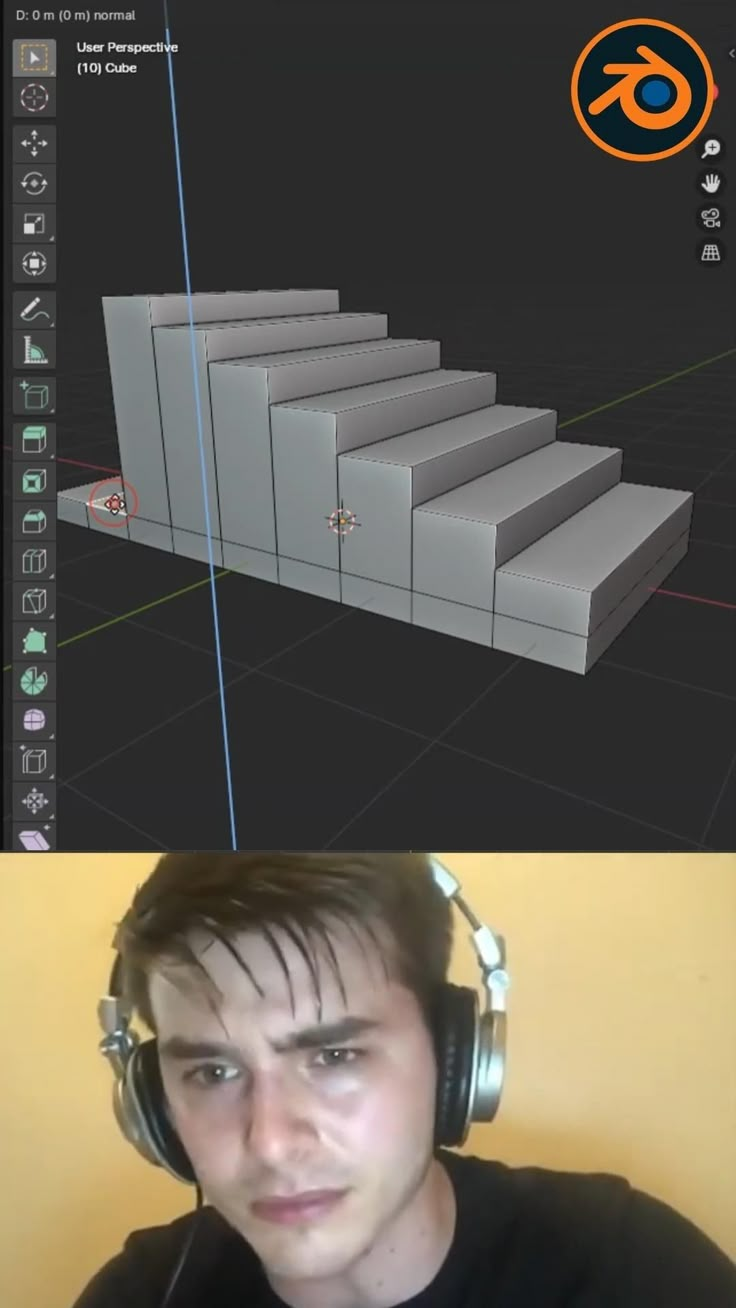


One notable aspect is that 3D Builder is primarily focused on creating 3D prints, while Blender offers a broader range of applications, such as animation, VFX, and game development.
3D Object Creation
Both 3D Builder and Blender offer various tools for creating 3D objects, but Blender provides significantly more options. 3D Builder supports basic shape creation (cube, sphere, cylinder, etc.), boolean operations (union, subtract, intersect), and some editing tools like extrude, bevel, and fillet.
In contrast, Blender offers a vast array of creation tools, including advanced modeling techniques likeethnic abs, bevel extrude, and loop cuts. It also supports add-ons for even more features and functionality.


Animation and Simulation
While 3D Builder does not offer animation tools, Blender is renowned for its powerful animation and simulation features. Blender's animation tools cover standard keyframe animation, shape keys, motion capture, and much more. Additionally, it supports various simulations like physics, fluid, smoke, and particle systems.
Here's a comparison of animation features in 3D Builder vs Blender:
| 3D Builder | Blender |
|---|---|
| No animation tools | Extensive animation tools |
| No simulation tools | Powerful simulation tools (physics, fluid, smoke, particles) |
Rendering
3D Builder provides a simple rendering engine with basic materials and lighting options, suitable for generating quick previews or 3D prints. Blender, however, boasts a powerful rendering engine called Cycles, which supports advanced materials, lighting, and effects.
Both software options support real-time rendering, allowing users to view their models as they create or adjust them. However, Blender's rendering capabilities are significantly more advanced, making it an excellent choice for professional projects.
In conclusion, the choice between 3D Builder and Blender depends on your skill level, project requirements, and budget. If you're new to 3D modeling or looking for a user-friendly tool to create basic 3D models for printing, 3D Builder is an excellent starting point. However, if you're a professional or aspire to become one, Blender offers an unparalleled set of features and tools to help you bring your creative vision to life. So dive in, experiment, and unleash your creativity with the perfect tool for you!
Related Articles

Z-Wave vs Zigbee Range: A Comprehensive Comparison
When it comes to wireless communication protocols, Z-Wave and Zigbee are two prominent names that often spark a comparison—Z-Wave vs Zigbee. Both are designed...

Microsoft 365 License Types: A Comprehensive Comparison
Microsoft 365, a powerful and comprehensive suite of productivity and cloud-based services, offers different types of licenses tailored to meet various...

Samsung Displays: A Comprehensive Comparison
Diving into the world of displays, two giants have consistently stolen the show: Samsung and LG. While LG's OLED technology has garnered significant attention...

Best Smartsheet Alternatives: Comprehensive Comparison
In today's fast-paced, digital world, project management has evolved significantly, with collaborative workspaces and real-time updates becoming the norm. One...

Is Homemade Dog Food Superior? A Comprehensive Comparison
Home-cooked meals for your furry companions have become increasingly popular, leaving dog owners pondering: is it better to make your own dog food? The...

AOCHUAN SMART X VS PRO: A Comprehensive Comparison
In the rapidly advancing field of smart home devices, two names consistently rise to the top: Aochuan Smart X and the Aochuan Smart X Pro. Both devices promise...