"Microsoft 3D Builder vs Blender: Comparing Tools in 2021"
In the realms of 3D modeling and design, two prominent software applications often cross paths in discussions: Microsoft 3D Builder and Blender. Each offers a unique set of features and functionality, catering to different user needs and skill levels. Let's delve into a detailed comparison of these tools to help you make an informed decision.
The stage is set with Microsoft's 3D Builder and Blender, but before we dive into their respective capabilities, it's crucial to understand that they exist in different stratospheres in terms of complexity and usage. Microsoft 3D Builder is a user-friendly, free application targeted at beginners, whereas Blender is a robust, open-source tool designed for professionals and hobbyists alike.
Microsoft 3D Builder: An Overview
Microsoft 3D Builder is a user-friendly, easy-to-navigate application integrated into the Windows 10 operating system. It's designed to create, edit, and print 3D models, making it an excellent starting point for beginners in 3D modeling.


One of Microsoft 3D Builder's standout features is its straightforward interface. The application presents users with a clean, uncluttered workspace, simplifying the learning process. Moreover, it supports a wide range of file formats, including STL, 3MF, and OBJ, ensuring compatibility with various 3D printers and software.
User Experience
Microsoft 3D Builder owes its approachability to its intuitive design and well-labeled tools. The learning curve is gentle, allowing beginners to grasp the basics of 3D modeling quickly. The application includes a tutorials section, guiding users through essential functions and projects.


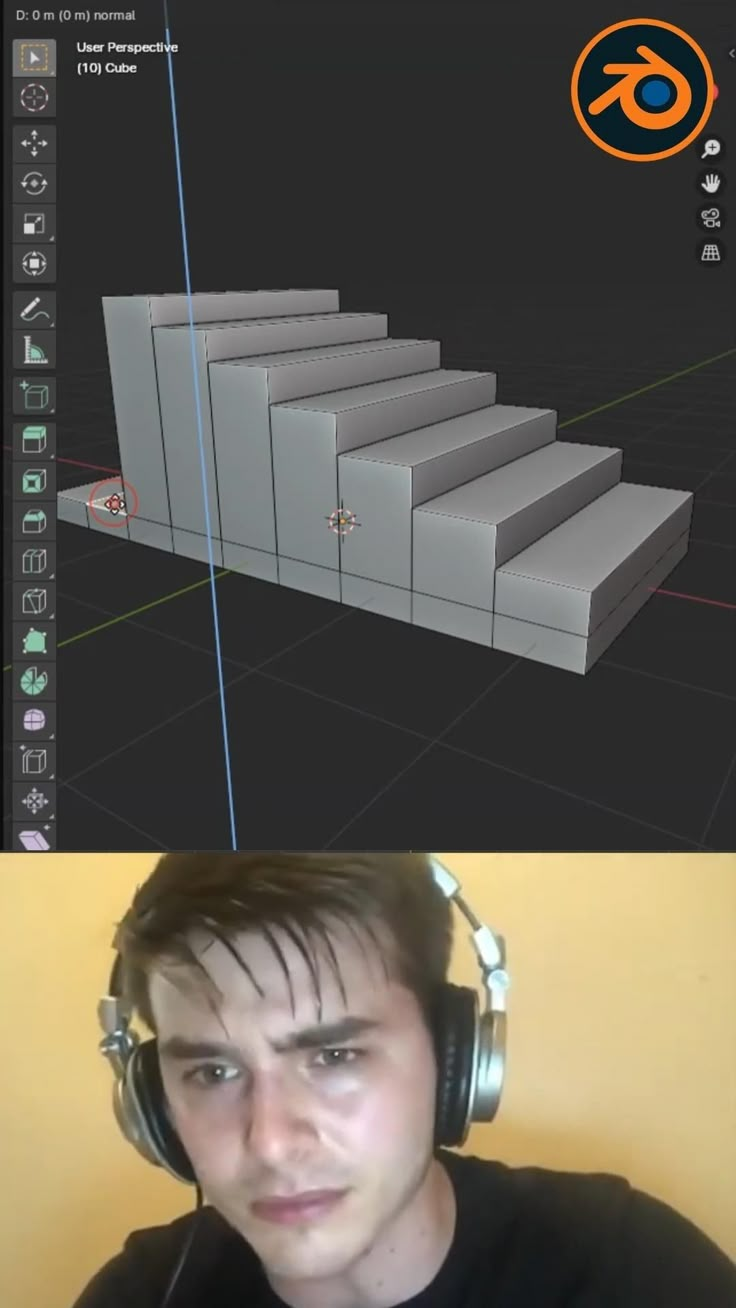
However, while user-friendly, Microsoft 3D Builder lacks advanced features found in more sophisticated software. It's ideal for creating simple models or editing existing ones but may fall short for complex, professional projects.
compatability and Integration
Microsoft 3D Builder's compatibility extends beyond file formats. It integrates seamlessly with Windows 10, and users can easily access it from the Start menu. Moreover, it supports both 3D scanning and printing, providing a comprehensive 3D modeling ecosystem.
In terms of integration with other tools, Microsoft 3D Builder can import models from Paint 3D and Remix 3D, Microsoft's other 3D creation platforms. However, it lacks extensive plugin support or compatibility with tools typically used by professional 3D artists.


Blender: A Professional's Toolkit
Blender, on the other hand, is a powerhouse open-source software, beloved by professionals and hobbyists alike. It's an all-in-one solution for 3D modeling, rendering, animation, and even game creation. Blender's vast feature set makes it an industry-standard tool, capable of handling complex, high-quality projects.
The learning curve for Blender is steeper than Microsoft 3D Builder. Its interface is less intuitive, and mastering its vast array of tools requires significant time and effort. However, Blender's extensive documentation, tutorials, and community support make learning the software manageable.
Feature-Rich Work Environment
Blender's work environment is filled with tools designed to handle intricate, professional projects. It offers advanced modeling features, such as sculpting, constructions modifiers, and skinning. Moreover, its animation suite is second to none, including tools for rigging, motion capture, and advanced simulations.


Blender's rendering engine, Cycles, produces high-quality, photorealistic images. It also supports external render engines for added flexibility. Lastly, Blender's VSE (Video Sequence Editor) enables users to create and edit 2D and 3D footage directly within the software.
Community and Customization
Blender's community is one of its most significant strengths. Its active, dedicated user base contributes to the software's development, creating add-ons, tutorials, and resources. This community also facilitates peer-to-peer learning and collaboration.
Blender's customization is another testament to its versatility. Its architecture supports scripted modifications, enabling users to tailor the software to their specific needs. Moreover, Blender's Python API allows integration with other tools and scripts, extending its functionality further.
Choosing between Microsoft 3D Builder and Blender depends on your skill level, project complexity, and long-term goals. Microsoft 3D Builder is perfect for beginners testing the waters of 3D modeling, while Blender is ideal for aspiring and professional 3D artists seeking a comprehensive, powerful tool. Regardless of your choice, each software offers a gateway into the intriguing world of 3D design and creation.
Related Articles

Cheapest Microsoft Office 2021
Are you on the lookout for the most budget-friendly way to get your hands on the latest version of Microsoft Office, specifically Office 2021? You've come to...

Get the Latest Microsoft Office for Windows: 2021 Update
Excited for the latest advancements in productivity? Microsoft Office for Windows just got a significant update, brimming with new features designed to enhance...

Microsoft Office 2021 Professional Plus Lifetime License: Windows
Discover the power and productivity of Microsoft Office 2021 Professional Plus with a lifetime license for Windows. This comprehensive suite offers a wealth of...

Microsoft Office 2021: Latest Desktop Version Unveiled
Microsoft has long been a leader in productivity software, and the latest desktop version of Microsoft Office is no exception. Office 2019, released in late...

Snag Microsoft Office 2021's Best Price Now!
Looking for the best deal on Microsoft Office 2021? You're not alone. With its robust suite of productivity apps, Microsoft Office is a staple in homes and...

Microsoft Office 2021 Student Lifetime License: Now Available!
Are you a student looking for a powerful and versatile set of productivity tools for your academic and personal needs? Microsoft Office 2021, the latest...