Mastering Visual Lighting: A Comprehensive Software Tutorial
In the realm of design and visualization, lighting often makes or breaks the final output. Fortunately, with the advent of visual lighting software, the process of creating, tweaking, and implementing compelling lighting effects has become more accessible and efficient. This tutorial aims to guide you through the basics of visual lighting software, helping you unlock your creative potential and produce stunning results.
Whether you're a seasoned designer or just starting out, understanding the intricacies of visual lighting software can significantly enhance your projects. With the right tools and knowledge, you can breathe life into your visuals, making them more engaging and realistic.
Understanding Visual Lighting Software
Visual lighting software is designed to mimic real-world lighting effects in a 3D digital environment. These tools enable users to create, adjust, and preview lighting scenarios, helping to achieve the desired aesthetic in their designs. They are widely used in various fields, including architecture, film, and video game development.


At their core, visual lighting software packages comprise several key components: 3D modeling capabilities, lighting sources, material shading, and rendering or real-time visualization. Each of these aspects plays a crucial role in the final output and will be explored in detail throughout this tutorial.
3D Modeling for Visual Lighting
To effectively use visual lighting software, a solid understanding of 3D modeling is essential. 3D models provide the foundation upon which lighting effects are built. They enable the creation of detailed environments that lighting can interact with, creating convincing and dynamic visuals.


When modeling for visual lighting, attention should be paid to geometric detail, textures, and level of detail (LoD). Highly detailed models may require more powerful hardware and longer render times, so balancing detail with performance is vital. Also, consider using techniques like normal mapping and displacement mapping to add detail without excessive vertex data.
Lighting Sources in Visual Lighting Software
lighting sources in visual lighting software range from simple directional lights to complex area and volume lights. Each type of light serves a unique purpose and can be combined to create sophisticated lighting scenarios. Familiarizing yourself with these different light types is crucial for effective lighting design.
Directional lights mimic the behavior of distant, infinite light sources like the sun. Area lights represent a more localized light source, such as a window or light fixture, and cast light in all directions. Volume lights, on the other hand, emit light from a 3D object, like a glowing sign or aura effect.


Lighting Techniques for Stunning Results
Once you're comfortable with the basics of visual lighting software and 3D modeling, it's time to delve into the world of lighting techniques. Mastering these techniques will enable you to create dynamic, engaging, and realistic lighting effects with ease.
Just as in traditional photography and film, understanding the fundamentals of light direction, color, and intensity plays a critical role in visual lighting. By learning to manipulate these aspects, you can bring your designs to life, evoking the desired mood and atmosphere.
Understanding Light Direction
Light direction is a fundamental element in visual lighting, as it determines the visual language and mood of your scene. Soft, diffused lighting creates a calming, warm atmosphere, while harsh, direct lighting can evoke tension and drama. Understanding these subtleties allows you to make informed decisions when positioning your lights.


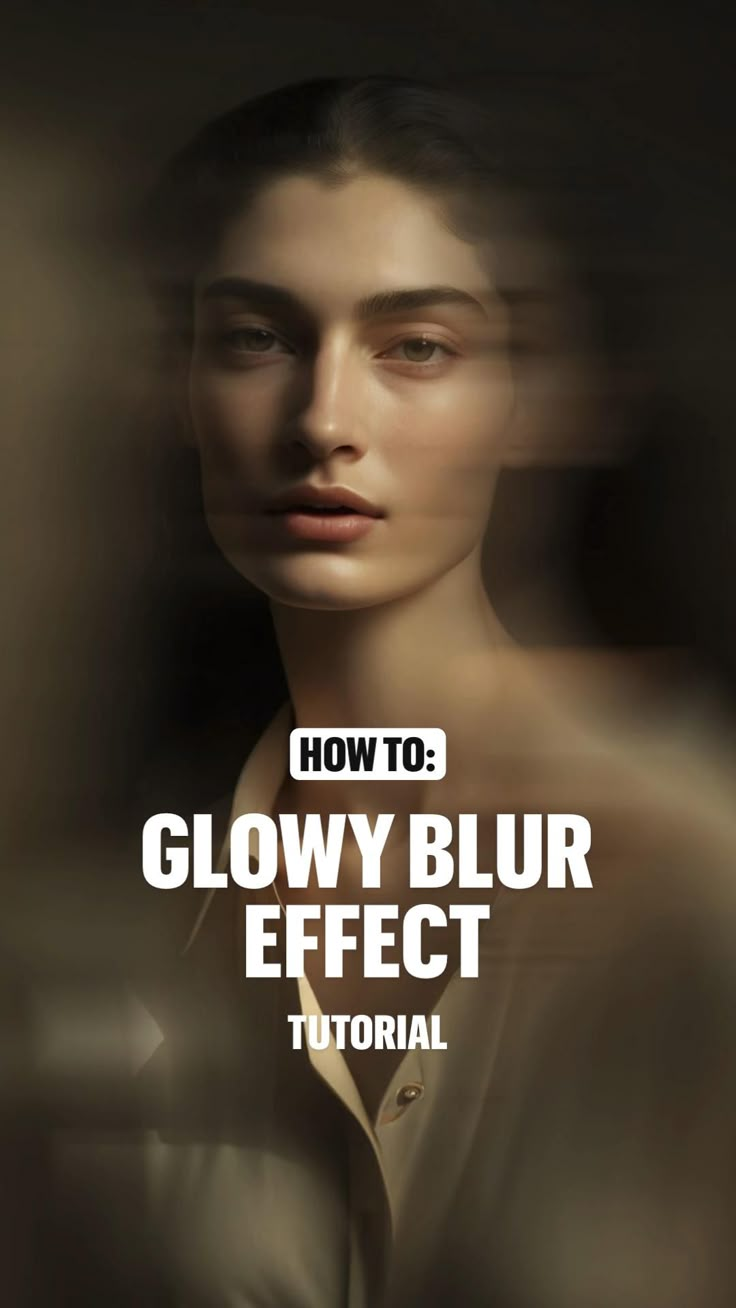


Experiment with different light arrangements to create varied effects. For example, casting light from a low angle can generate dramatic, long shadows, while high-angle lighting creates more even, subtle shading. Additionally, consider using defraction and reflection to create secondary light sources that help bounce light around your scene.
Working with Light Color and Intensity
Color and intensity are equally important aspects of visual lighting that can significantly impact the final output. Different light colors can evoke particular emotions and enhance the overall theme of your design. For instance, cool blues and purples often create a sense of mystery or otherworldliness, while warm oranges and yellows convey a cozy, inviting atmosphere.
Light intensity, meanwhile, dictates how bright or dim your scene appears. Adhering to the inverse square law – a staple of physics – helps maintain realistic light distribution, with intensity decreasing as the light's distance from its source increases. Be mindful of overly bright or dim areas that may hinder the viewer's ability to discern fine details.
Mastering visual lighting software takes time and practice, but with perseverance, you'll soon be crafting captivating, visually stunning designs. Don't be afraid to experiment with different lighting techniques and explore the countless possibilities offered by these powerful tools. As you expand your skills and knowledge, you'll unlock new opportunities for creative expression and professional growth in the world of visual lighting.
Related Articles

Mastering Smart Array Controller: A Comprehensive User Guide
Diving into the realm of high-performance computing and storage, a Smart Array Controller is an indispensable tool for managing and optimizing your array's...

Mastering Fruit and Veg Prep: Comprehensive Online Guide
Elevate your cooking game with our comprehensive guide on fruit and vegetable preparation, designed to streamline your kitchen chores and upgrade your meals...

Mastering Eutsler: Comprehensive Technical Guides
Based in San Diego, Eutslers Technical is not just a company, it's a pioneering force in the realm of industrial automation and technical services. With a...

Mastering Office Emergency Lighting: Essential Requirements
In the bustling world of commercial and corporate spaces, ensuring safety is paramount. One critical aspect often overlooked until an emergency arises is...

Mastering Smart Goals: A Comprehensive Explanation
When it comes to setting effective objectives, aiming high is crucial, but not enough. You need to ensure your goals are smart, specific, measurable...

Mastering Lighting Design: Rules of Thumb
When it comes to creating a welcoming and functional space, lighting design plays a critical role. Getting the lighting right can enhance aesthetics, boost...